
01
Immediate exploration
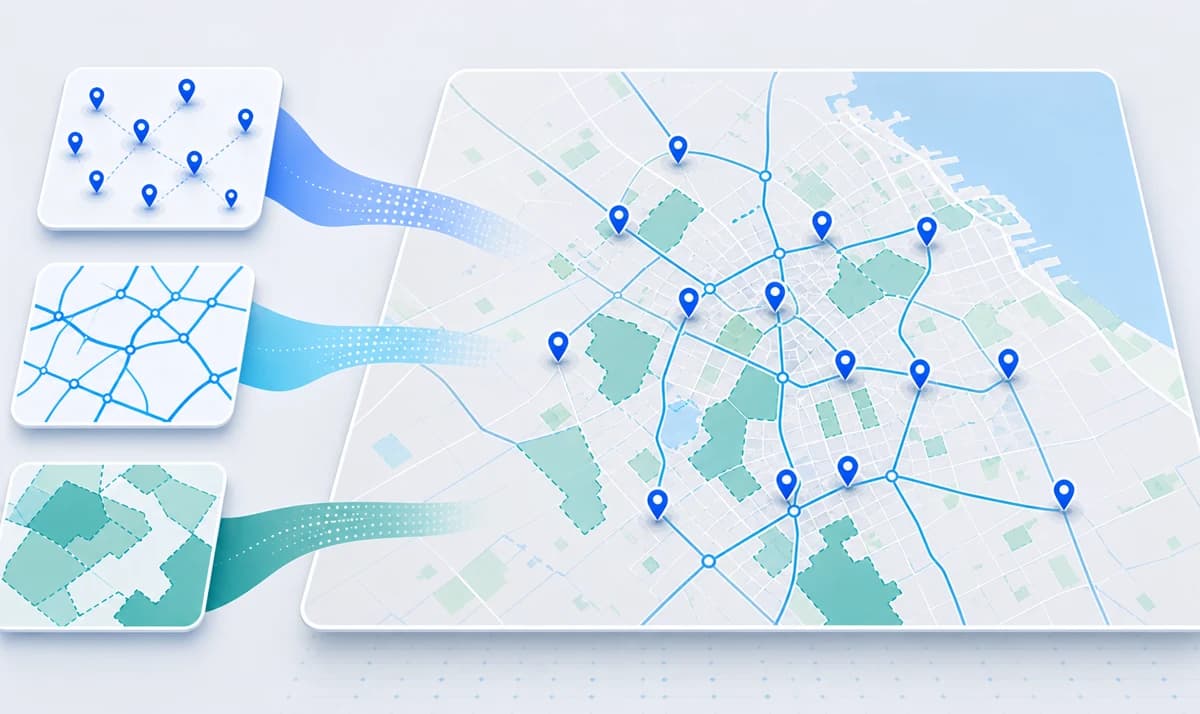
Load layers, connect services and start reading spatial patterns without preparing a full GIS environment.

Operations
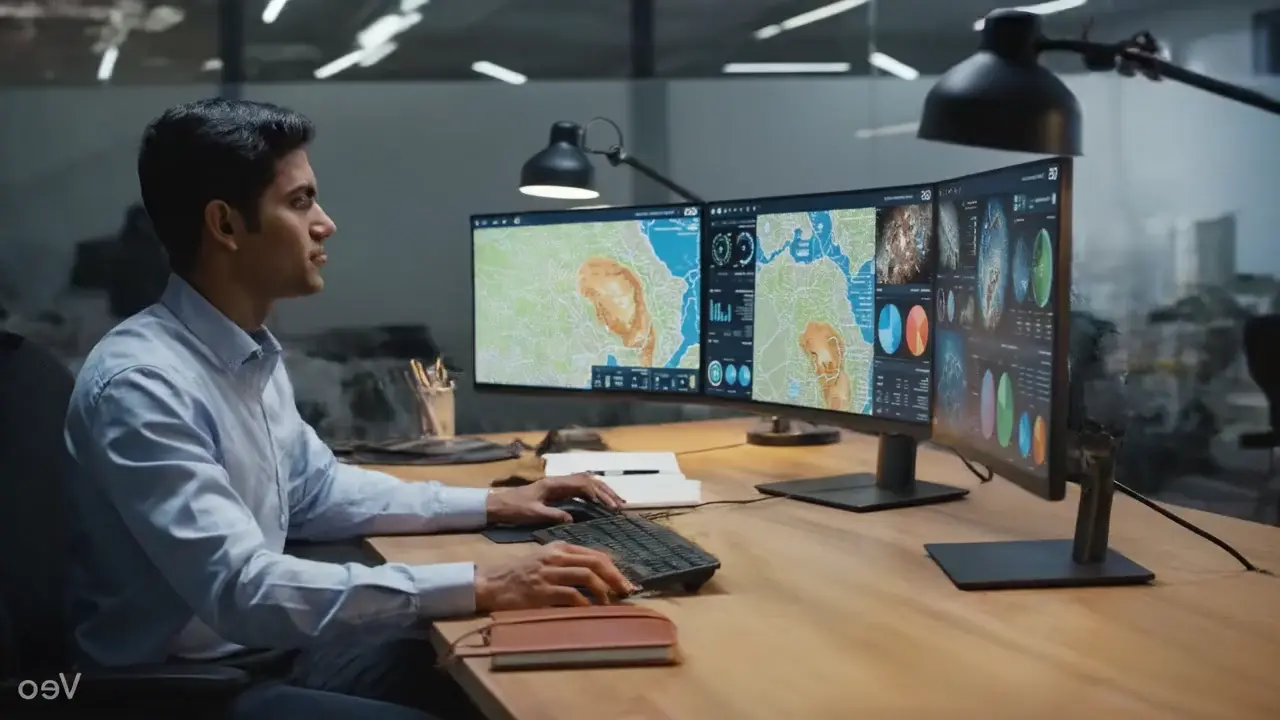
Explore, combine and analyze territorial information in a console designed to work with layers, services and spatial data from the first minute.
Load layers, connect services and start reading spatial patterns without preparing a full GIS environment.
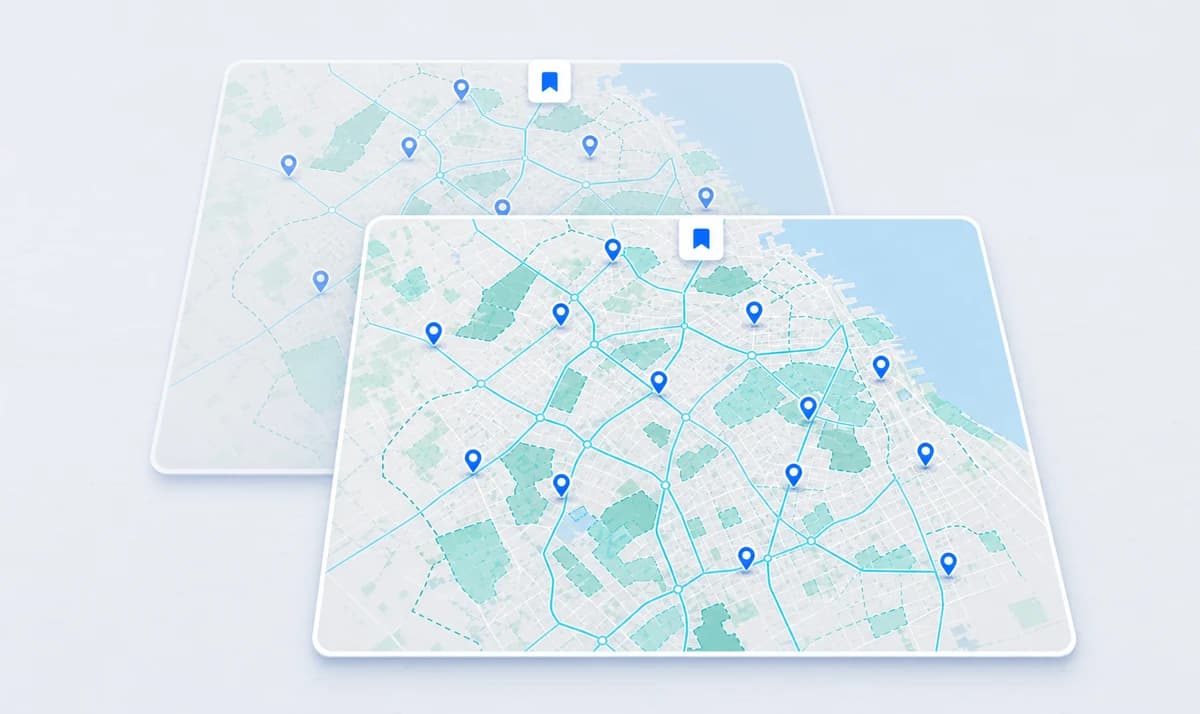
Preserve view, layers, styles and configuration so you can resume analysis exactly where you left off.
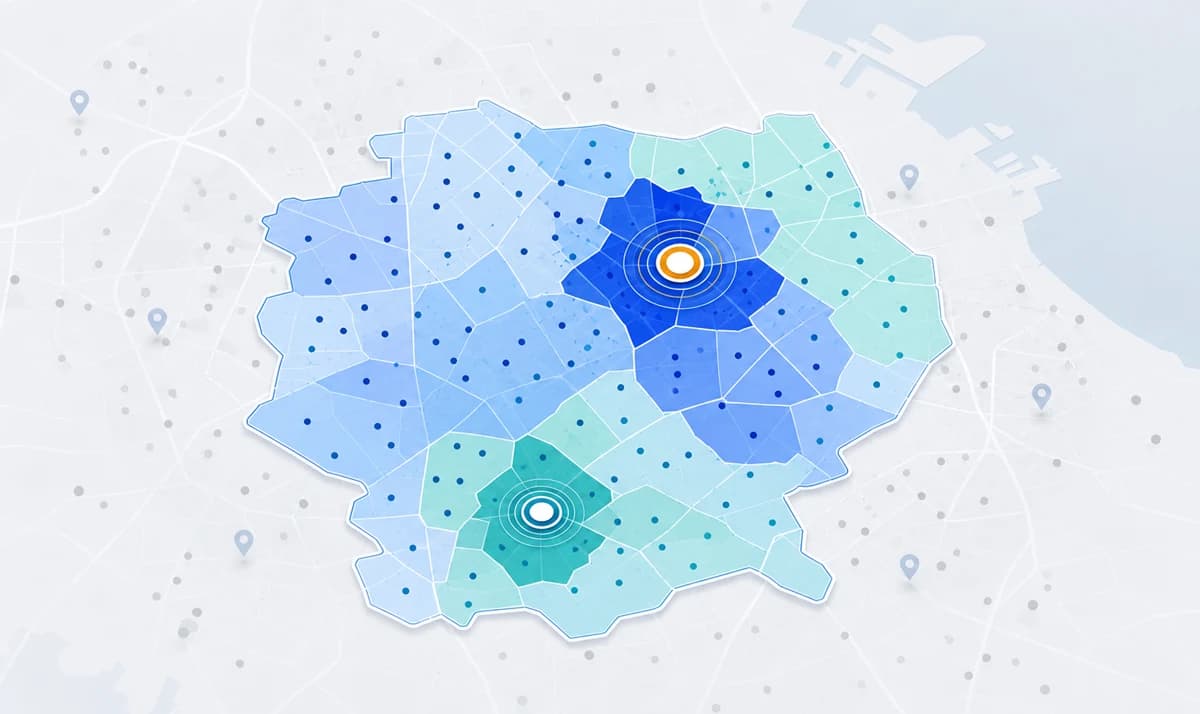
Combine your own data, external services and spatial attributes to detect relationships, concentrations and analysis opportunities.
Product
GeoMapps combines visualization, service integration, territorial search, persistence and assisted analysis to transform geographic data into actionable information.
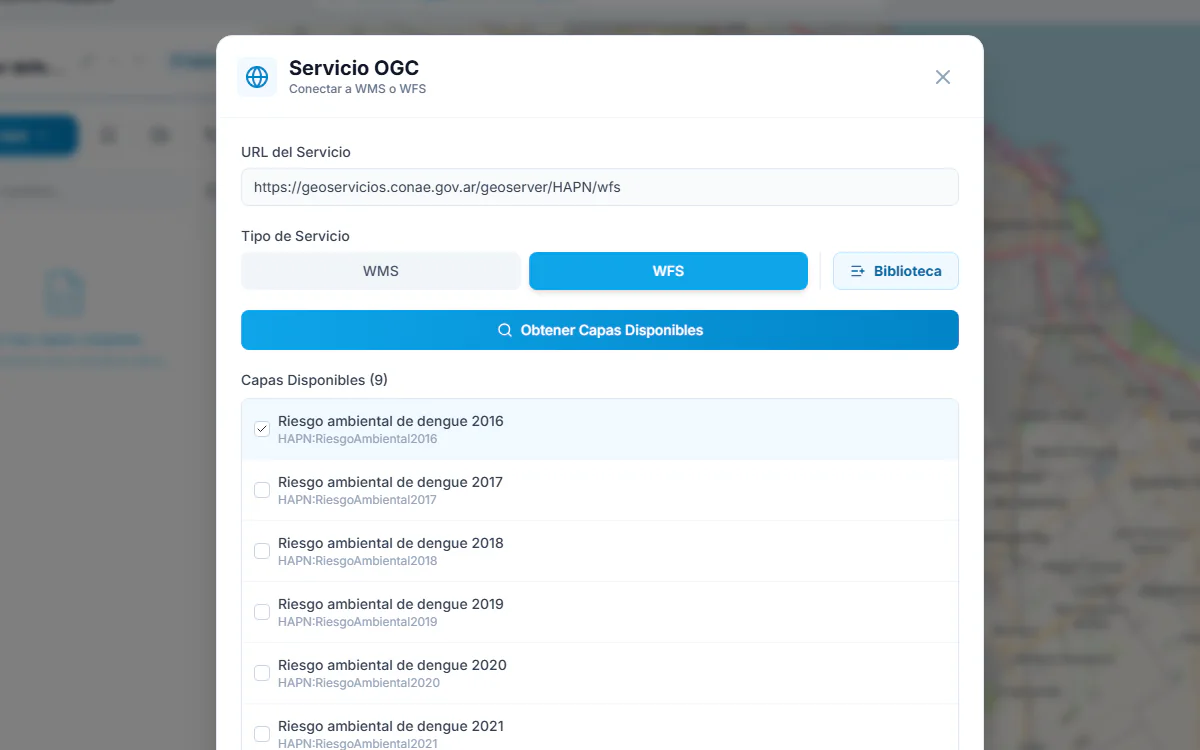
Layers and services
WMS, WFS, GeoJSON and KML coexist in a single console, with no unnecessary migrations or parallel tools.
Internal data and institutional services come together in the same view, ready for cross-source analysis.
Use cases
GeoMapps helps explore urban scenarios, infrastructure, cadastre, public services, environment, mobility and any domain where location is central to analysis.
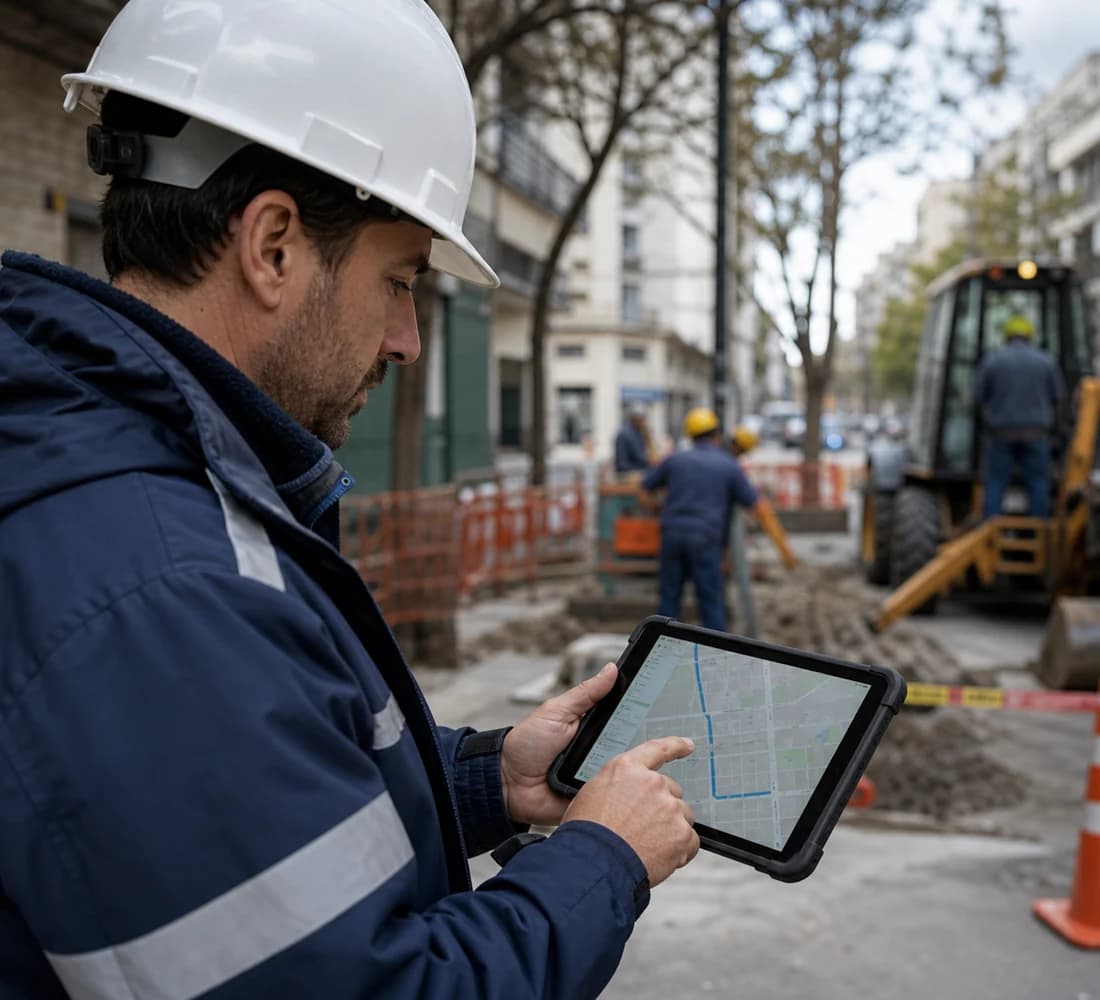
Urban management
Cadastre, public services, critical zones and administrative boundaries integrated in a single view.

Infrastructure and utilities
Assets, incidents, maintenance areas and jurisdictional services combined in the same environment.
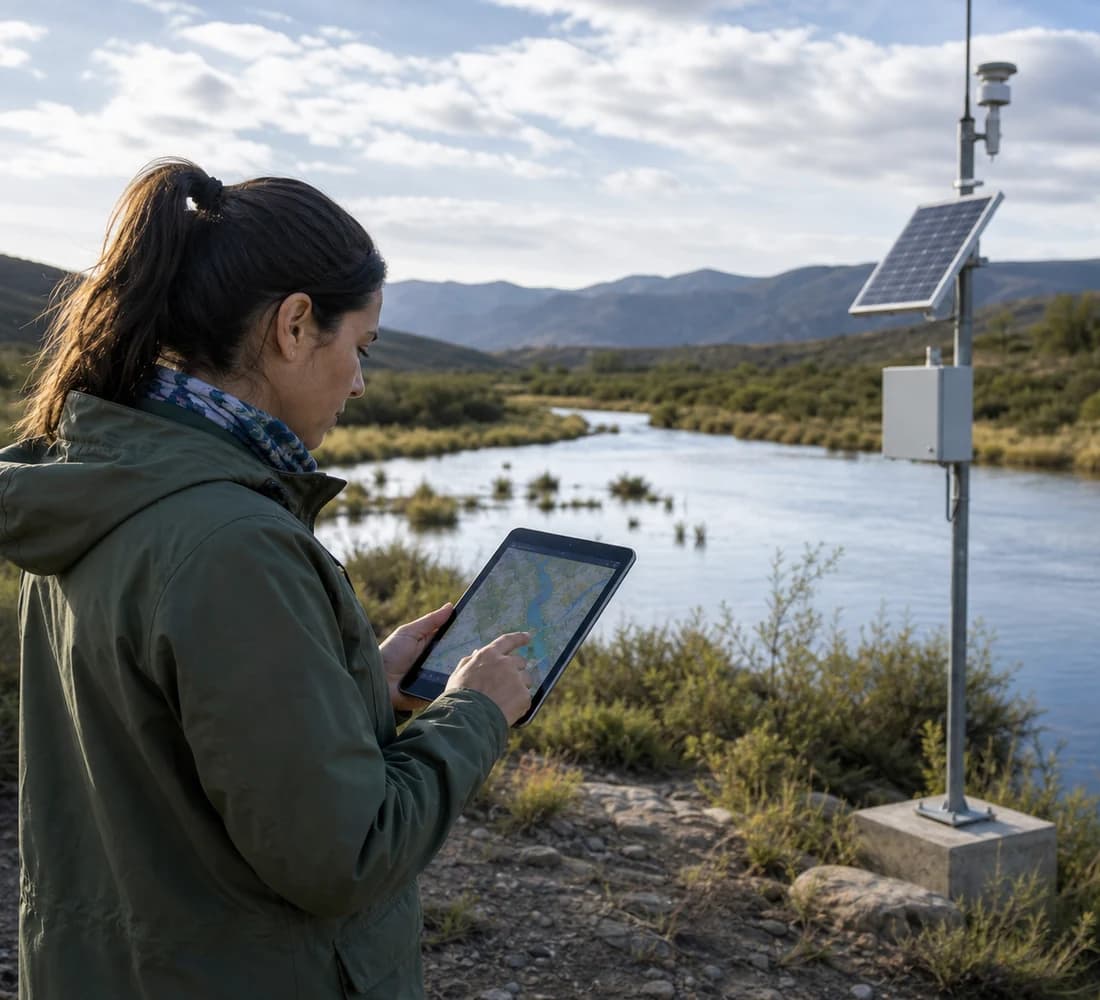
Environment and risk
Sensitive areas, territorial events and open data available for a combined reading of the territory.
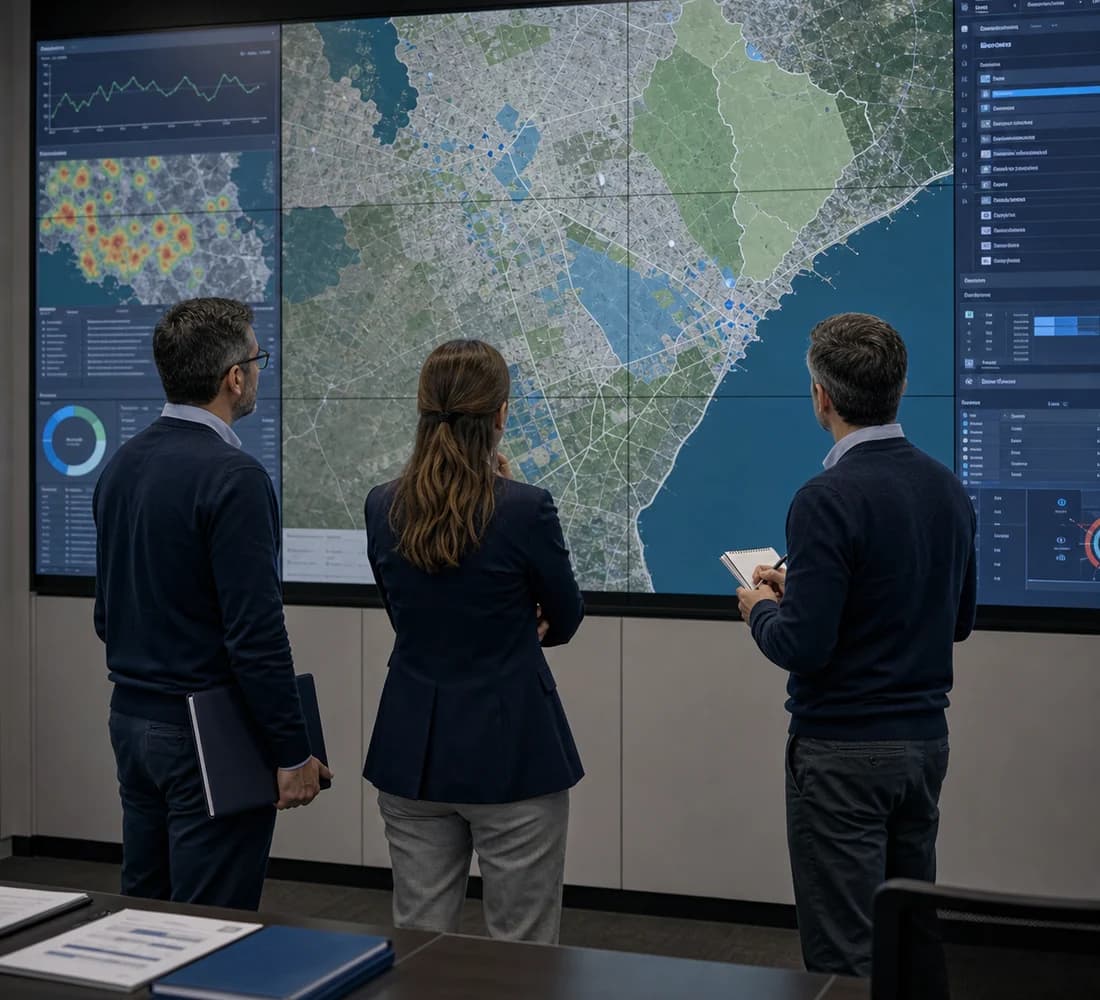
Exploratory analysis
Load a dataset and move forward with pattern detection and initial AI-assisted spatial readings.
Access
Integrate geographic information, sustain geospatial operations and transform territorial data into concrete criteria to plan, prioritize and decide.
 · Geospatial intelligenceBuenos Aires · 34.6°S 58.4°W